
SAS Program Data Vector (PDV): Compilation vs. Execution
The complete mental model of how SAS processes records one row at a time in memory.
Direct Answer / Executive Definition
The Program Data Vector (PDV) is a temporary logical area of memory where SAS builds a dataset one observation at a time. The DATA step executes in two distinct phases: Compilation (allocates PDV slots, creates descriptor portion) and Execution (reads data into PDV, performs calculations, outputs to disk, and resets non-retained variables to missing).
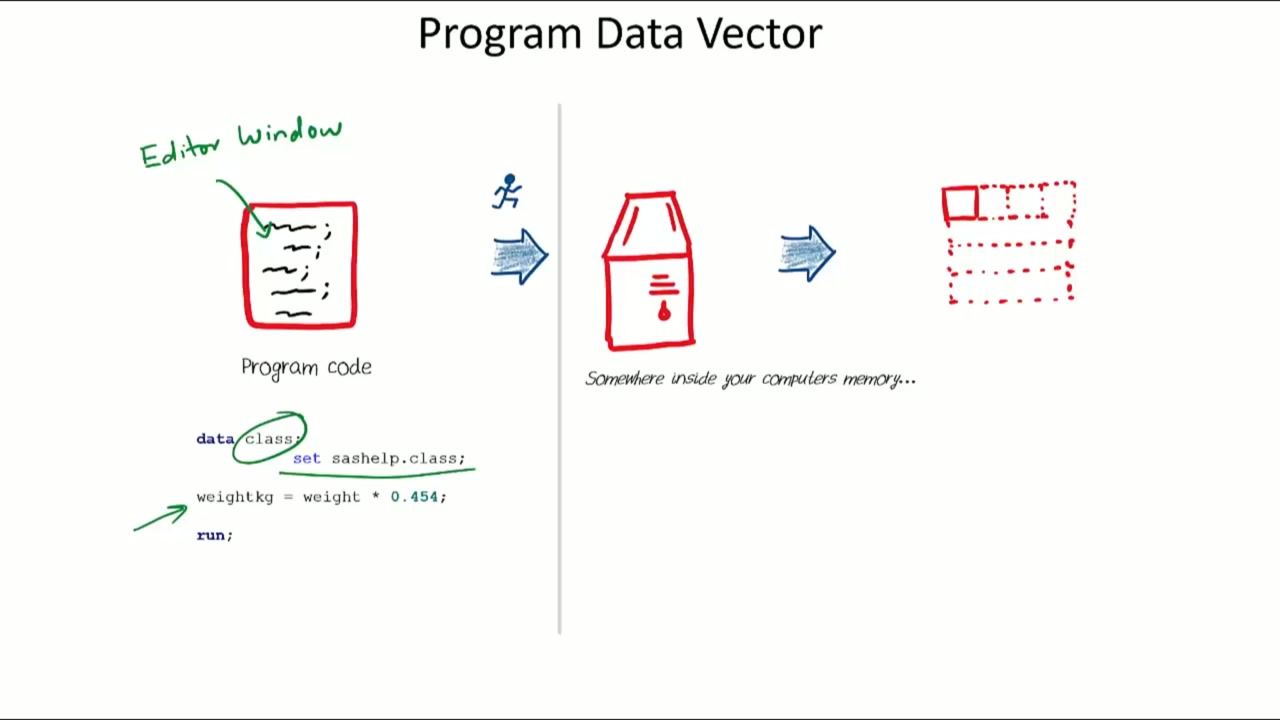
Why Understanding the PDV Execution Loop Matters in Real Practice #
Understanding the PDV is the cornerstone of passing the SAS Base Specialist certification and diagnosing silent bugs where values unexpectedly reset to missing between iterations.
Standard Syntax, Derivation & Framework Pattern #
/* PDV Lifecycle Example with Automatic Variables */
DATA work.revenue_calc;
    SET sashelp.class;

    /* _N_ counts DATA step iterations */
    Iteration = _N_;

    /* New calculated variable - reinitialized to missing each loop */
    Cumulative_Weight + Weight;

    /* _ERROR_ flags data errors (0 = no error, 1 = error) */
    Data_Status = _ERROR_;
RUN;
Core Rules #
- Compilation happens once before execution: checking syntax, creating the descriptor portion, and allocating PDV memory.
- Automatic system variables _N_ (iteration count) and _ERROR_ (error flag) exist only in the PDV and are dropped from output.
- Variables read via SET/MERGE or created via SUM statement (+) are automatically retained across iterations.
- Variables created via assignment (=) are re-initialized to missing at the start of each execution loop unless explicitly RETAINed.
Frequently Asked Questions (FAQ) #
Are automatic variables like _N_ and _ERROR_ written to output datasets?
No. Automatic variables (_N_, _ERROR_) exist only in the PDV during execution and are never written to the final output dataset.
What causes a variable in the PDV to be reset to missing?
During the execution loop, newly created variables without a RETAIN statement or SUM accumulator are reset to missing ('.' for numeric, ' ' for character) before the next row is read.
Want complete video breakdowns & exercises?
Explore full step-by-step masterclass training in The Simplest Guide to SAS Programming.